

DWSIM
Computing Applications (HPC) GPL-3.0 (Free)
About
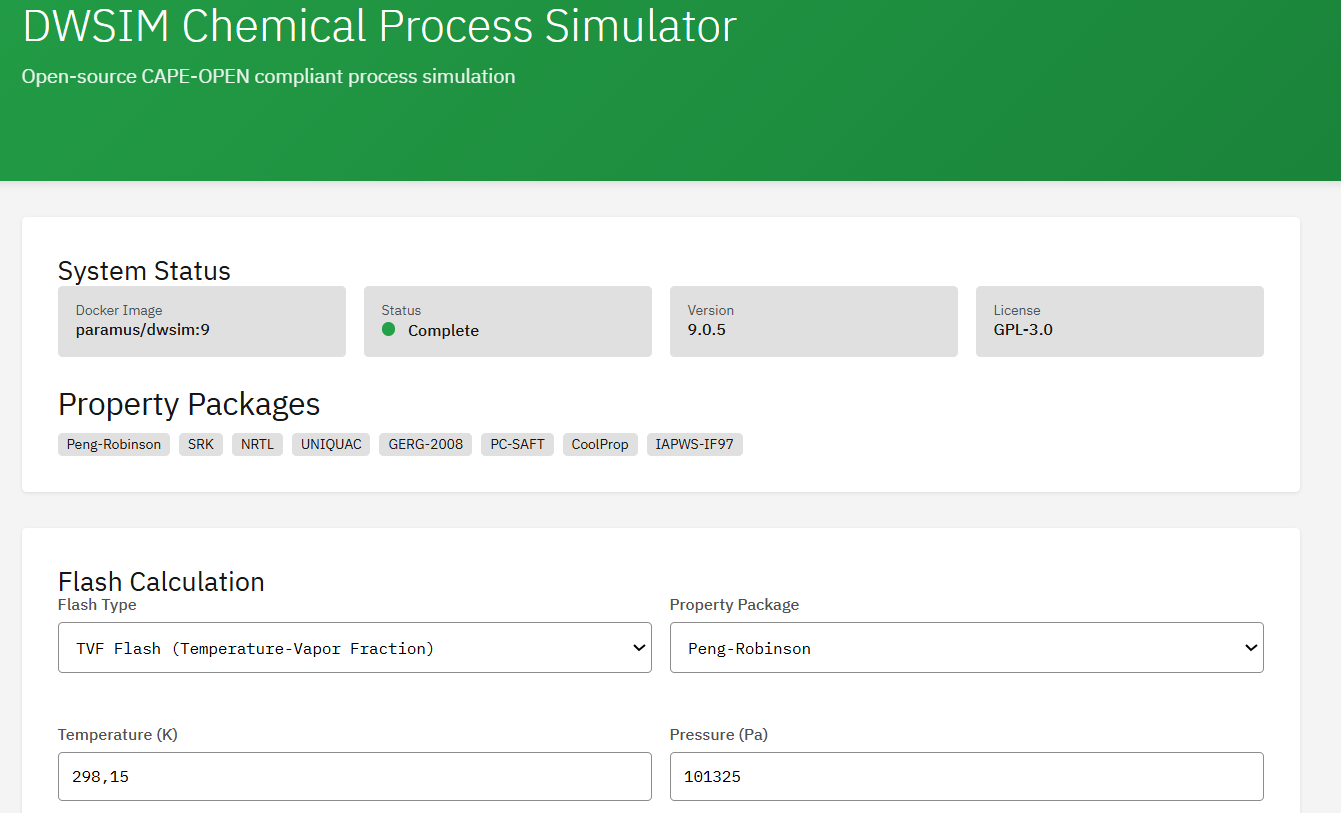
Open-source CAPE-OPEN compliant chemical process simulator for steady-state and dynamic simulations. Supports flash calculations (VLE/LLE/VLLE), thermodynamic property packages (Peng-Robinson, SRK, NRTL, UNIQUAC), and unit operations.
Skills
MCP skills available for DWSIM, callable from AI workflows and the Paramus chat:
- Capabilities — Get DWSIM capabilities including supported property packages, unit operations, and thermodynamic models
- Changelog — Get DWSIM changelog and release notes
- Dynamic — Run dynamic (time-dependent) process simulation using DWSIM
- Flash — Perform flash calculations (VLE, LLE, VLLE) for multicomponent mixtures using DWSIM
- Info — Get DWSIM service information including version, capabilities, and available property packages
- Kernel Execute — Execute commands in a DWSIM kernel session
- Kernel List — List active DWSIM kernel sessions
- Kernel Start — Start a DWSIM kernel session for interactive process simulation
- Kernel Stop — Stop a DWSIM kernel session
- Methods — List available DWSIM RPC methods and their signatures
- Parameter Sweep — Perform parameter sweep or sensitivity analysis on DWSIM flowsheet
- Property Packages — List available DWSIM thermodynamic property packages (Peng-Robinson, NRTL, UNIQUAC, SRK, etc.)
- Simulate — Run steady-state process simulation using DWSIM flowsheet
- Unit Operations — List available DWSIM unit operations (mixers, heaters, pumps, reactors, columns, etc.)
- Version — Get DWSIM version information
Browse the full DWSIM skill documentation
Citation
Wagner, D. “DWSIM – An Open-Source Chemical Process Simulator” https://dwsim.org/
Frequently Asked Questions
What is DWSIM?
DWSIM is a computing applications (hpc) application available in the Paramus App Store. Open-source CAPE-OPEN compliant chemical process simulator for steady-state and dynamic simulations. Supports flash calculations (VLE/LLE/VLLE), thermodynamic property packages (Peng-Robinson, SRK, NRTL, UNIQUAC), and unit operations.
Is DWSIM free to use?
Yes. DWSIM is distributed under the GPL-3.0 (Free) license and is available at no cost through the Paramus App Store.
How do I install DWSIM?
DWSIM is installed through Paramus Chemistry OS, an on-premise Windows platform for computational chemistry. Open the Paramus App Store in your local installation and select DWSIM for one-click deployment.
What type of application is DWSIM?
DWSIM belongs to the “Computing Applications (HPC)” category in the Paramus App Store. It runs on Paramus Chemistry OS and can also be accessed through Paramus Cloud for supported workflows.
What platform does DWSIM run on?
DWSIM runs on Paramus Chemistry OS, a Windows-based on-premise platform that provides local compute power for demanding simulations. It requires a Paramus OS installation with appropriate hardware resources.
Can DWSIM be automated or integrated with AI workflows?
Yes. DWSIM is available as part of the Paramus ecosystem which supports MCP (Model Context Protocol) tools for AI-driven automation. This enables integration with large language models and automated research pipelines.
How should I cite DWSIM in publications?
The recommended citation for DWSIM is: Wagner, D. “DWSIM – An Open-Source Chemical Process Simulator” https://dwsim.org/