

ELN
Applications Proprietary
About
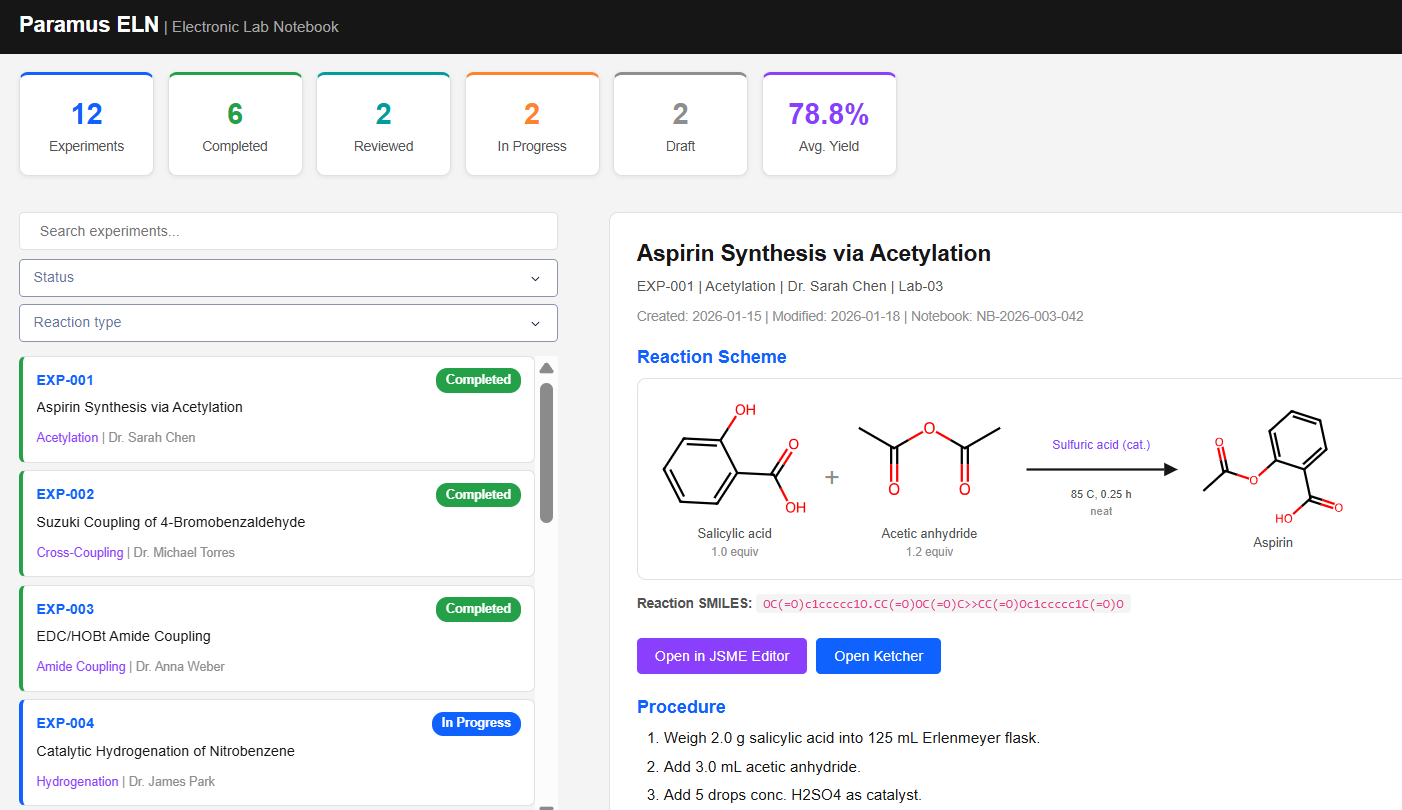
Electronic lab notebook for experiment tracking and formulation workflows.
Key Features
- eln.get_experiment
- eln.get_reaction
- eln.get_statistics
- eln.list_experiments
- eln.render_reaction
- eln.search_experiments
Frequently Asked Questions
What is ELN?
ELN is a applications application available in the Paramus App Store. Electronic lab notebook for experiment tracking and formulation workflows.
Is ELN free to use?
ELN is distributed under the Proprietary license. The App Store shows the terms before installation.
How do I install ELN?
ELN is installed through PARAMUS OS, the on-premise platform for computational chemistry. Open the Paramus App Store in your local installation and select ELN for one-click deployment.
How do I use ELN from my AI assistant?
ELN exposes its functions as MCP tools. Claude Desktop, VS Code or Cursor call them directly once ELN is installed.
The always-current catalog card for ELN – with its full tool list – lives at https://documentation.paramus.ai/apps/eln/.