
Content / Configuration
- VScode
- Claude
- Windsurf
VSCode
After start VSCode will automatically detect changes
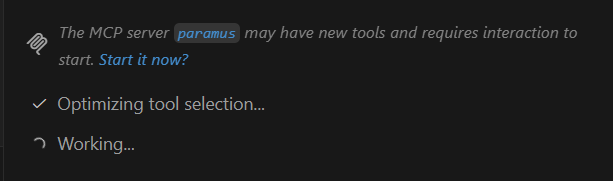
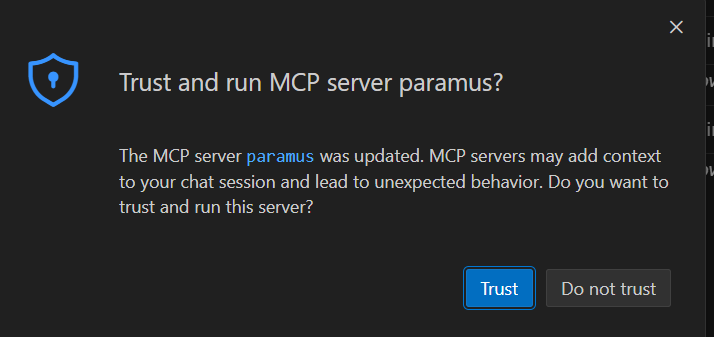
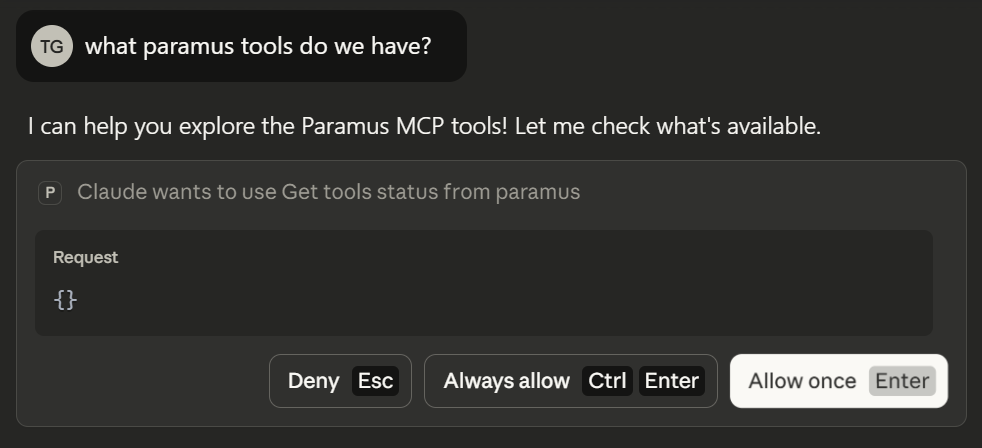
On the first run VSCode will ask for permission. Allow Paramus Chemistry OS to run whenever needed, otherwise you will be asked every time:
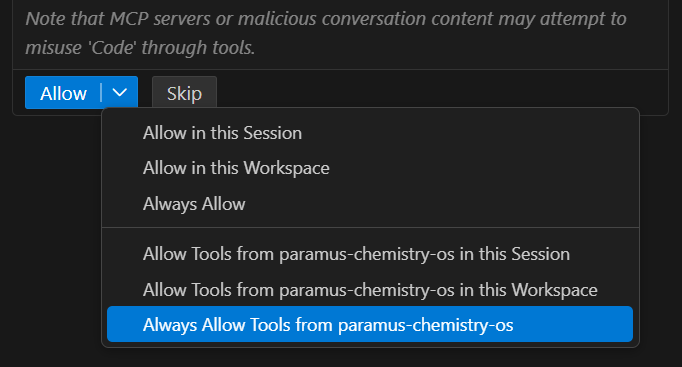
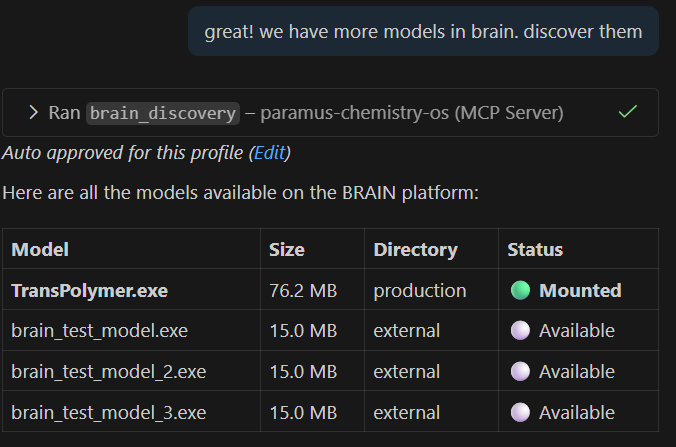
Example with Paramus Brain
Claude

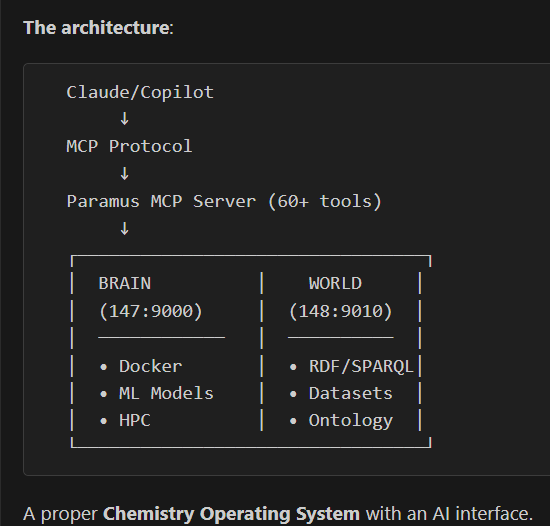
How the system reports about itself 😊
FAQ
A Model Context Protocol server that exposes 290+ computational chemistry tools to AI assistants. It implements the open MCP standard for tool integration with large language models.
Claude Desktop, VS Code, Cursor, Windsurf, and any application implementing the Model Context Protocol standard.
SMILES/InChI conversion, 3D structure generation, DFT calculations, molecular dynamics, property prediction (LogP, pKa, solubility), spectroscopy, SPARQL queries, dataset search, and laboratory instrument control.
Download Paramus Chemistry OS for Windows. After start, VS Code automatically detects the MCP server. Allow Paramus Chemistry OS to run when prompted, and all 290+ tools become available in your AI assistant.
The MCP server protocol interface is open. The server connects to the Paramus Chemistry OS backend which provides the actual computation engines, knowledge graph, and laboratory control.