Dataset Integration
Source: datasets.md
Working with Research Datasets
Paramus provides direct access to curated chemical and materials science datasets. You can install, query, and cross-reference datasets without leaving your research environment.
Available Research Domains
| Domain | Datasets | What You Get |
|---|---|---|
| Polymer Science | RadonPy, PI1M, OpenMacromolecularGenome, VipEA, OMG-Property-Database, PolyIE | ~1M+ polymer structures with physical properties from MD simulations |
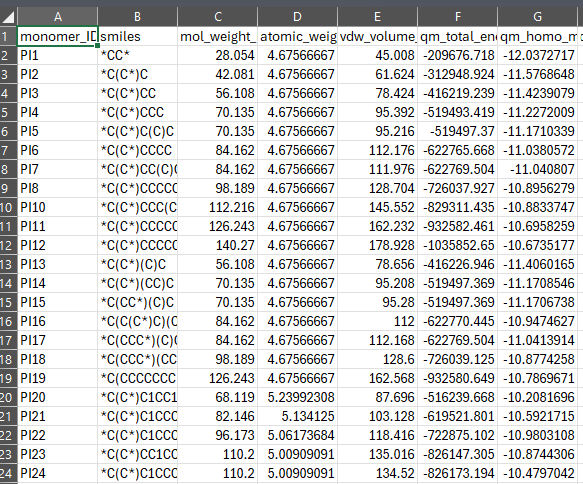
| Computational Chemistry | QM9, QM9S, MSR-ACC-TAE25 | 134k small molecules with DFT-level energies, HOMO/LUMO, dipole moments |
| Inorganic / Crystallography | COD, a-Si-24, Anionic-Solvation-Dataset | Crystal structures, amorphous silicon configurations, solvation data |
| Organic / Solubility | BigSolDB | 112,465 experimental solubility records across multiple solvents |
Installing a Dataset
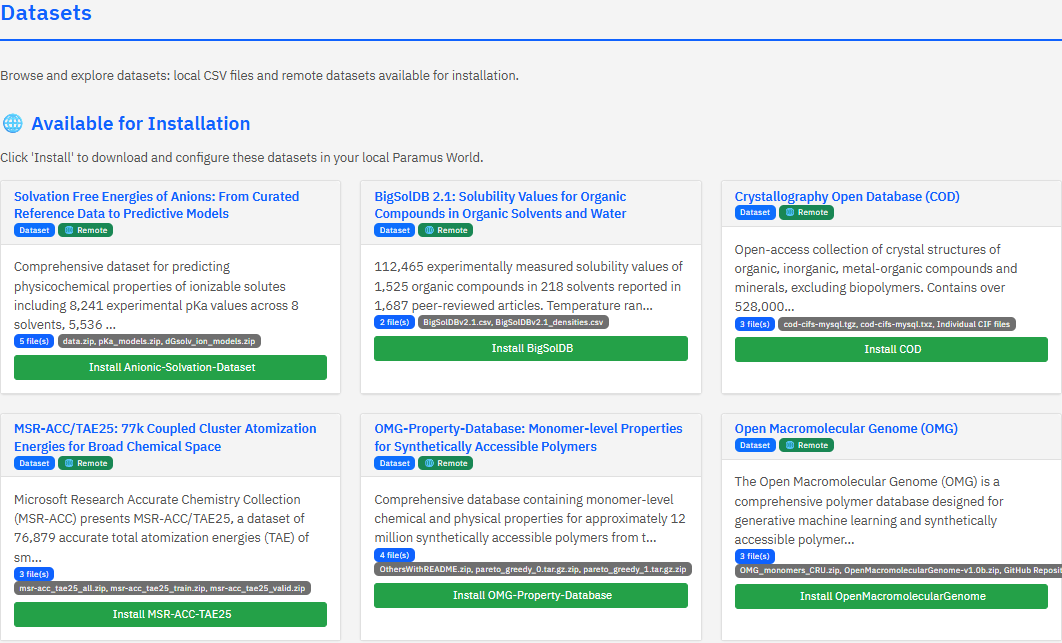
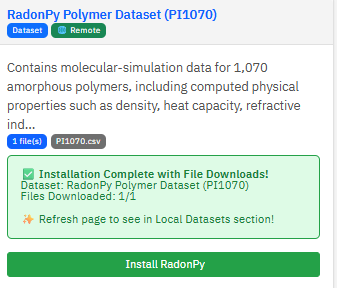
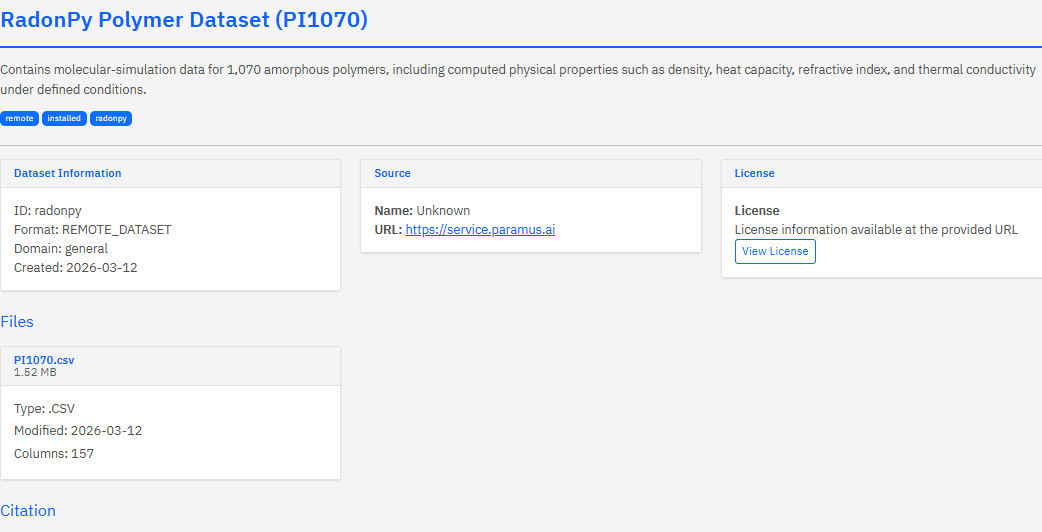
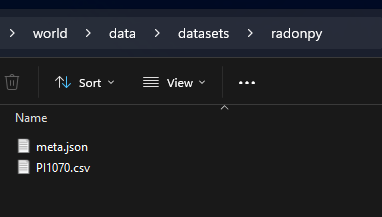
Select a dataset tile and click Install. Paramus downloads the data files from their source (Zenodo, GitHub) and prepares them for querying. Original files are never modified — normalized copies and a search index are created alongside them.
Querying by Chemical Properties
Ask questions in natural language through the chat. Paramus translates your request into the right query automatically.
Find soluble compounds in ethanol at room temperature:
“Show me compounds with LogS above -2 in ethanol between 20 and 30 degrees Celsius from BigSolDB”
Screen polymers by glass transition temperature:
“Which polymers in RadonPy have a Tg above 400K and density below 1.2 g/cm3?”
Look up molecular properties by structure:
“Get the HOMO-LUMO gap and dipole moment for all molecules containing a carbonyl group in QM9”
SMILES columns are automatically canonicalized using RDKit, so c1ccccc1 and C1=CC=CC=C1 both find benzene.
Query Methods
| Method | Use Case |
|---|---|
dataset.query | Filter by structure, property ranges, solvents, conditions |
dataset.query_schema | Inspect available columns, types, and value ranges |
dataset.query_remote | Query a dataset without downloading it first |
dataset.list | See all installed datasets |
dataset.get | Get metadata and file listing for a dataset |
Supported File Formats
Paramus handles common research data formats out of the box:
| Format | Extensions |
|---|---|
| Tabular | .csv, .json, .jsonl, .xlsx, .xls, .parquet, .feather |
| Scientific | .h5, .hdf5, .mat, .npy, .npz |
| Serialized | .pkl, .pickle |
| Archives | .tar, .tar.gz, .tar.bz2, .zip (auto-extracted) |
Use dataset.unfold to convert between formats (e.g. Parquet to CSV).
Semantic Knowledge Graphs
Beyond tabular datasets, three RDF knowledge graphs capture domain-specific research context:
| Knowledge Graph | Focus |
|---|---|
| Polymer Chemistry R&D | Polymer synthesis, characterization, and property prediction |
| Medicinal Chemistry (Molidustat) | HIF-PHD inhibitor research, SAR relationships |
| Germanium Extraction R&D | Hydrometallurgical processing, extraction optimization |
These are managed separately via semantic.list, semantic.switch, and semantic.info.
Dataset Metadata
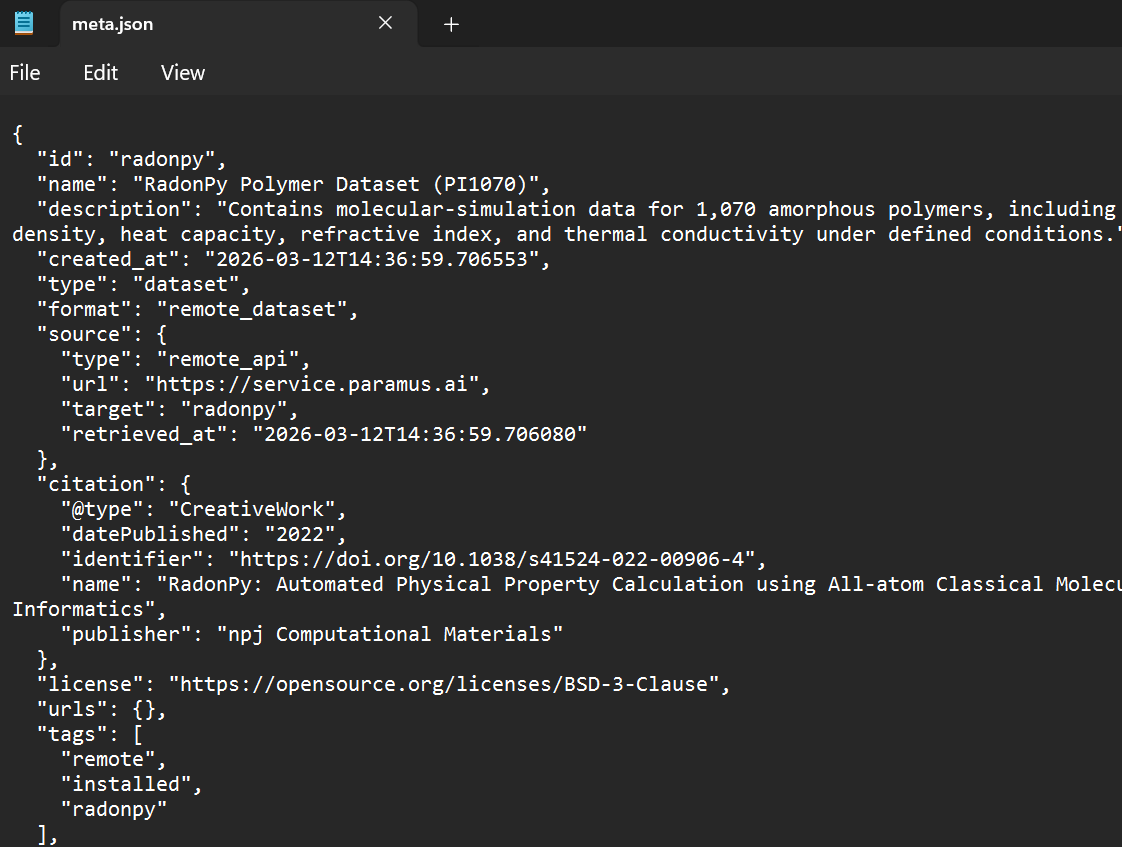
Each dataset card follows the Croissant 1.0 + Schema.org standard, capturing provenance, licensing, and citation:
{
  "@type": "Dataset",
  "name": "BigSolDB",
  "dataOrigin": "experimental",
  "measurementTechnique": "Various experimental methods",
  "license": "CC-BY-4.0",
  "citation": {
    "name": "BigSolDB: Solubility Dataset of Compounds in Organic Solvents",
    "identifier": "10.1038/s41597-023-02..."
  }
}
This ensures every query result can be traced back to its original publication and data source.